What is the set alarm for the 6:00 pm tool about?
The set alarm for 6:00 pm tool is an online alarm clock that utilizes software to ring at the scheduled time by aligning with your device settings.
Can I set a vibration alarm for my 6:00 pm alarm?
Unfortunately, you cannot set a vibration alarm for your 6:00 pm alarm as this feature is not available on our alarm setter. However, you can set mild ringtone to avoid any potential disturbances.
How do I set an alarm for 6:00 pm in a different time zone?
To set an alarm for 6:00 pm in a different time zone, you will need to adjust the time based on the time difference between your current time zone and the desired time zone.
How do I set an alarm for 6:00 pm?
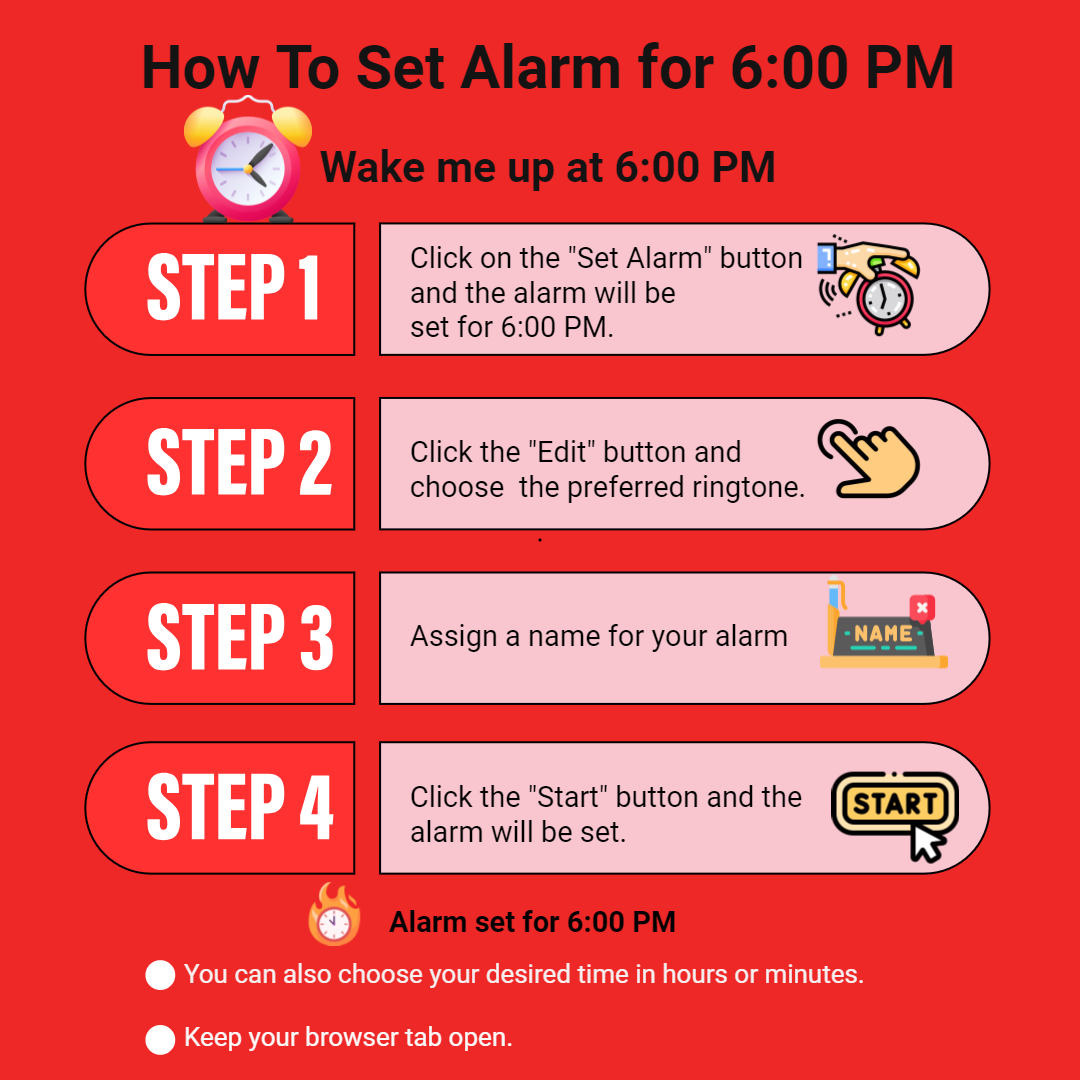
To set an alarm for 6:00 pm, visit our website and open the tool on your device. Now select the time of 6:00 pm, choose your preferred alarm sound, and then set the alarm.
Can I label my 6:00 pm alarm?
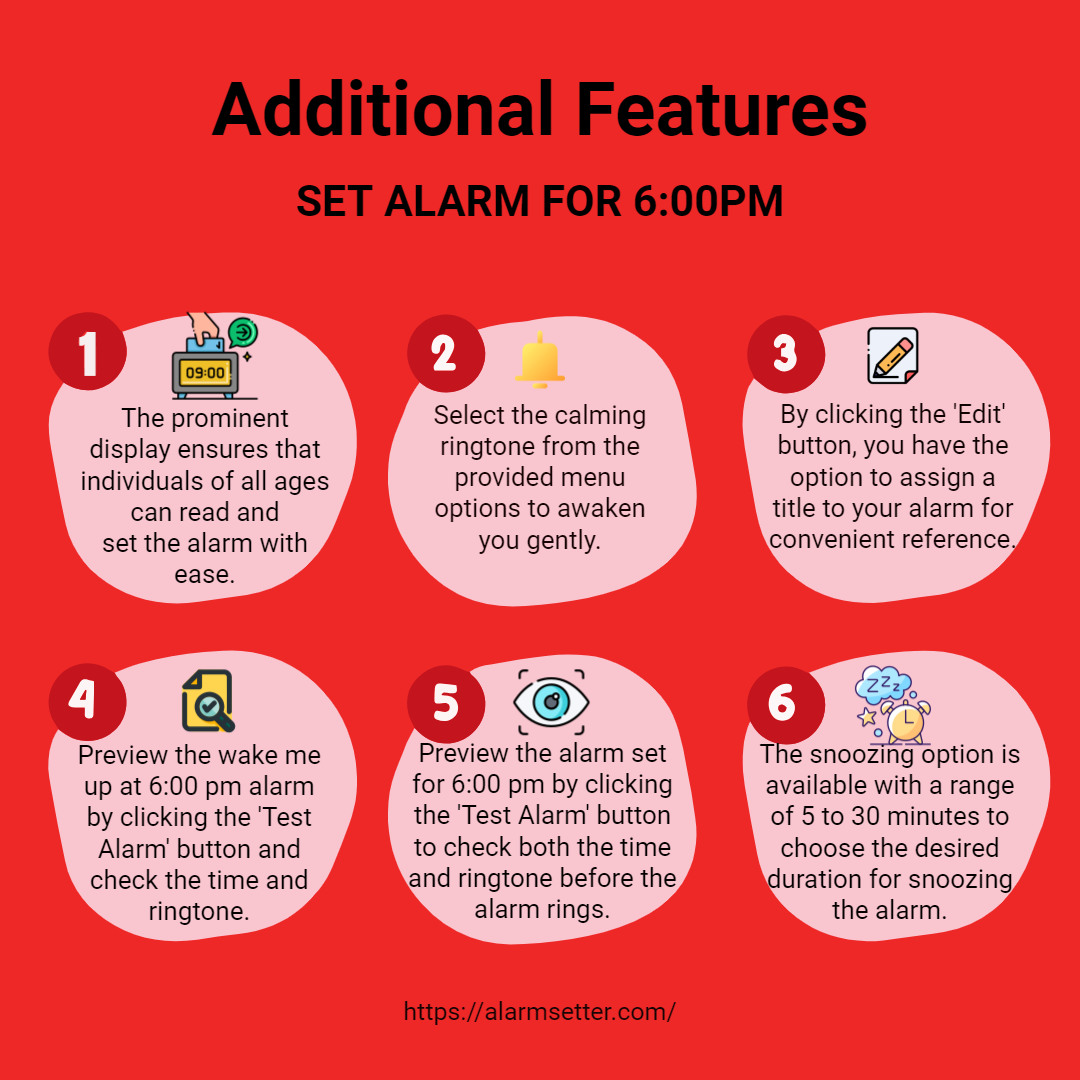
Yes, you can label for 6:00 pm alarm by clicking the ‘Edit’ button and assigning a name to it to remind you of the purpose of the alarm or any tasks you need to complete at 6:00 pm.
How do I set an alarm for 6:00 pm on a Mac computer?
To set an alarm for 6:00 pm on a Mac computer, visit our website, open the tool on your device, click the ‘Set Alarm’ button, and choose your preferred ringtone to wake you up at 6:00 pm.
Will my alarm still go off if my phone is turned off?
No. If your phone is turned off, your alarm will not go off as the tool depends on the device's power to activate the sound. Make sure your phone is turned on and charged properly in order for the alarm to go off at 6:00 pm.
How can I change the alarm sound for my 6:00 pm alarm?
To change the alarm sound for your 6:00 pm alarm, click the ‘Edit’ button, choose the ringtone from the list or upload from your device, and click the ‘Start’ button to confirm and continue with that ringtone for your alarm.
Can I use the snooze option for my 6:00 pm alarm?
Yes, you can use the snooze option for your 6:00 pm alarm. Our tool allows you to snooze your alarm for a set amount of time ranging from 5 to 30 minutes. Simply select the "snooze" button when the alarm goes off to delay it for a set amount of time.
How do I turn off my alarm once it goes off at 6:00 pm?
To turn off your alarm once it goes off at 6:00 pm, simply click the ‘Stop Alarm’ button.
Will my alarm ring if my phone is on airplane mode after setting an alarm for 6:00 pm?
Yes, the alarm rings if your phone is on airplane mode after setting an alarm for 6:00 pm as airplane mode does not interrupt the device setting.
Can I set an alarm for 6:00 pm on a smartwatch?
Yes, you can set an alarm for 6:00 pm on most smartwatches which have an alarm clock function that allows you to set an alarm for any time, including 6:00 pm.
Is it possible to set a countdown timer for 6:00 pm instead of an alarm?
Yes, it is possible to set a countdown timer for 6:00 pm or any time by visiting our website at https://alarmsetter.com/timer.
What should I do if my alarm doesn't ring at 6:00 pm?
If your alarm doesn't ring at 6:00 pm, the reason could be due to the drained battery of your device, your device not working properly, or having set the wrong time.
Can I set different alarm timings on set alarm for 6:00 pm?
Yes, you can set different alarm timings on the set alarm for 6:00 pm by clicking the ‘Edit’ button and selecting the time in hours and minutes, and pressing the ‘Start’ button.
Will my alarm for 6:00 pm still go off if my phone is on silent mode?
Yes, your alarm for 6:00 pm will still ring if your phone is on silent mode as the tool overrides the device's sound settings.
Can I use my phone as an alarm clock for my 6:00 pm alarm?
Yes, you can use your phone as an alarm clock for your 6:00 pm alarm or any time by visiting our website, opening the tool on your browser, and setting the alarm.
How can I make sure that I do not oversleep and miss my 6:00 pm alarm?
If you do not want to oversleep and miss your 6:00 pm alarm, place the alarm device far from the bed and set a loud and attention-seeking ringtone. Ensure to wake up at the scheduled ring without using the snooze option.
How many minutes are there between 12:00 pm to 6:00 pm?
1 hour comprises 60 minutes. So, between 12:00 pm to 6:00 pm, there are 6 hours and 360 minutes.
How many seconds are there between 12:00 pm to 6:00 pm?
1 hour comprises 3600 seconds whereas 1 minute comprises 60 seconds. So, between 12:00 pm to 6:00 pm, there are 6 hours and 21600 seconds.
What happens if I sleep too much ?
Sleeping more than required can cause dangerous side effects. According to studies, it can increase the risk of diabetes, heart disease, stroke, and death according to several studies. So in order to take care of your health remember to set an alarm to get up on time.
Is this alarm clock suitable for heavy sleepers?
Certainly, this alarm clock is effective for heavy sleepers when used appropriately. Once the alarm is set, it's advisable to place the clock away from the bed to make manual interaction for turning it off. Incorporating a snooze duration of approximately 5 minutes can help in preparing the mind and waking up gradually. The prominent sound and display serve as effective stimuli, alerting the mind and aiding in the waking-up process for heavy sleepers.
What is the full form of VIVID?
Visibility Inclusion Value and Integration for Disability.
Do I need to download this set alarm for the 6:00 am tool?
Absolutely not. Our set alarm for the 6:00 am tool does not require any software or third-party integrations to work. This computer alarm setter contains its own software for sounding an alarm at a specified time. There is nothing required other than setting the alarm and tone.
Is the service of setting an alarm for 6:00 PM tool free?
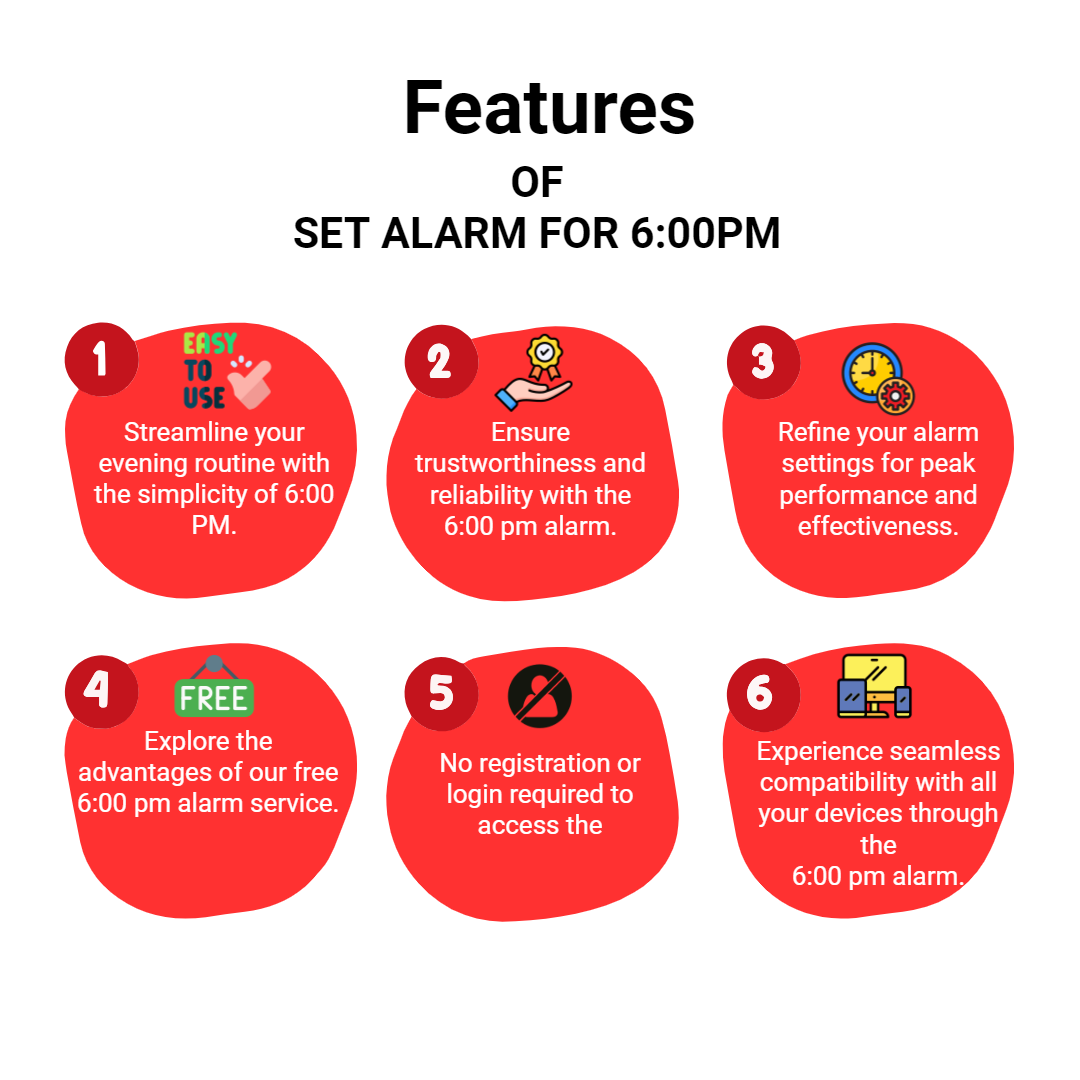
Certainly, our tool for setting the 6:00 pm alarm is entirely free of charge. You can utilize it as frequently as needed without any hidden or subscription fees. Feel free to explore all the features of the tool at no cost and set your alarm to ensure you wake up at the right time.
How safe is using this online alarm clock?
Using our online alarm clock is 100% safe and secure as the website is reliable and trustworthy. The user information is safeguarded by using advanced encryption methods and robust privacy measures. The third-party users cannot access your information in any way. Feel confident and set your alarm. Our tool will provide you with the best service in waking you up at the desired time.
What are the ringtones available on this tool?
There are 20 ringtones available on this tool such as school, cuckoo, bells, siren, flute, xylophone, twinkle, windchimes, and many more. Visit our alarmsetter.com and explore all the available ringtones.
Why should I wake up at 6:00 pm?
Generally, people wake up at 6:00 pm based on their work schedule or lifestyle. Based on the preferences individuals can wake up at 6:00 pm due to night shift jobs, meetings at that particular time, important events, or study time for kids. It totally depends on their activity and routine.
Does it affect my health if I continue to sleep in the daytime and wake up at night?
According to medical experts, sleeping during the daytime and waking at night can disturb one’s circadian rhythm which might lead to sleep disorders. Furthermore, limited exposure to the sun’s rays during nighttime would definitely impact health conditions. If sleeping in the daytime and waking at night is a continuous routine, then please seek professional advice for better guidance and evaluation.
How can I limit the use of hitting the snooze button?
You can limit the use of hitting the snooze button by considering these tricks. Placing your alarm far from your bed will make you physically get up and turn it off making you alert rather than stretching your hand to tap it. As soon as the alarm rings either switch on the lights or engage in exercise. Using our set alarm for 6:00 pm tool, you can wake up without hitting the snooze button due to its prominent red color display and customizable loud ringtones. Additionally, you can assign an engaging title to your alarm which would prompt you to take action instantly.
How can I share my alarm settings with others?
Sharing your alarm settings is simple with the share option. It allows you to generate a link. Share the link directly via messaging apps or email, making it easy to coordinate or remind others about important alarms.
Why should I use light or dark mode on the tool?
Light mode is ideal for daytime use with a bright interface, while dark mode reduces eye strain in low-light environments. Switching between these modes enhances visual comfort and personalization based on your surroundings.
How does selecting AM/PM format help me?
Choosing the 12-hour AM/PM format makes reading and setting alarms more intuitive for users accustomed to this system, ensuring you set alarms at the correct time of day.
What are the benefits of displaying the date along with the day?
Showing the date with the day helps you keep track of the current date easily, which is especially useful for planning and ensuring you're setting alarms for the correct day.
How does customizing the font color improve my experience?
Adjusting the font color allows you to personalize the tool's appearance, improve readability in different lighting conditions, and create a visually comfortable environment tailored to your preferences.